Custom Code Widget Orchard CMS
In an Orchard CMS Website the CSS and JavaScript files are inside your Theme.
But there are cases that you need to load a CSS or a JavaScript code in a specific page only. Or maybe you need to make a quick fix in a production website.
These cases can be solved with this Custom Code Widget created by Constantinos Gatis.
Installation:
- Enable Import Export Module
- Enable Razor Templates Module
- Import CustomCodeWidget.xml
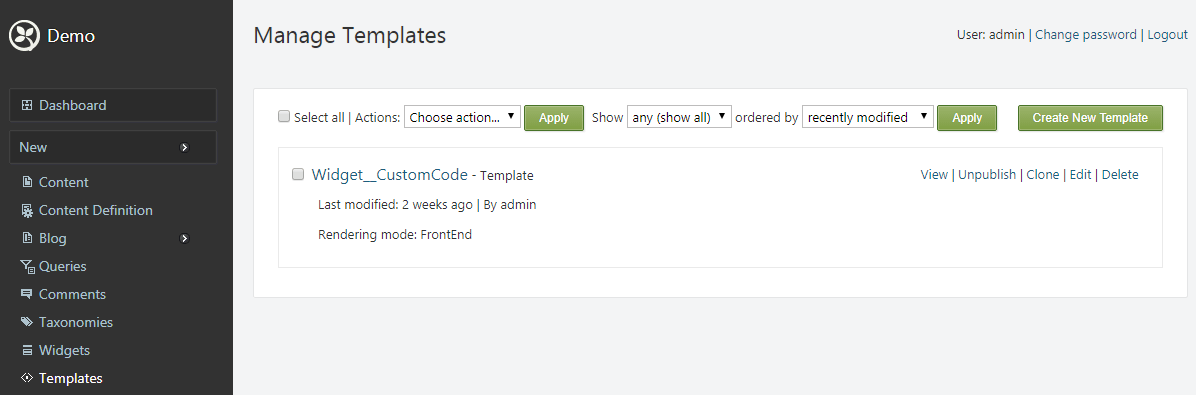
If the installation of the Widget is successful, in your Template List you will see this:
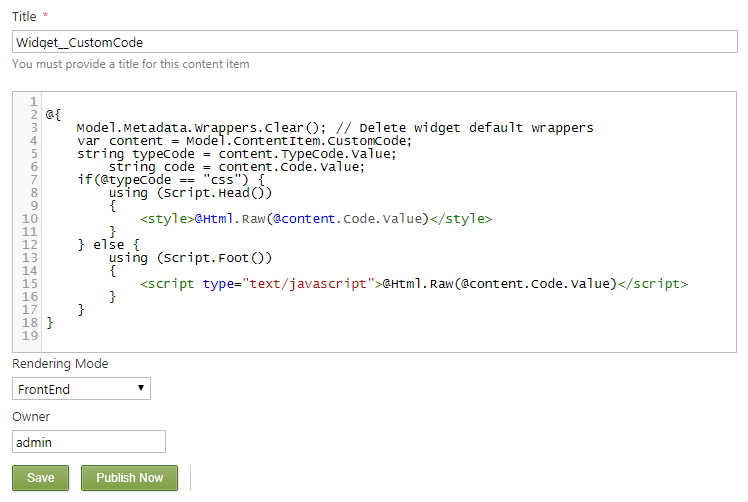
You can see the Code of this Widget (or change it), if you click edit.
How to use it:
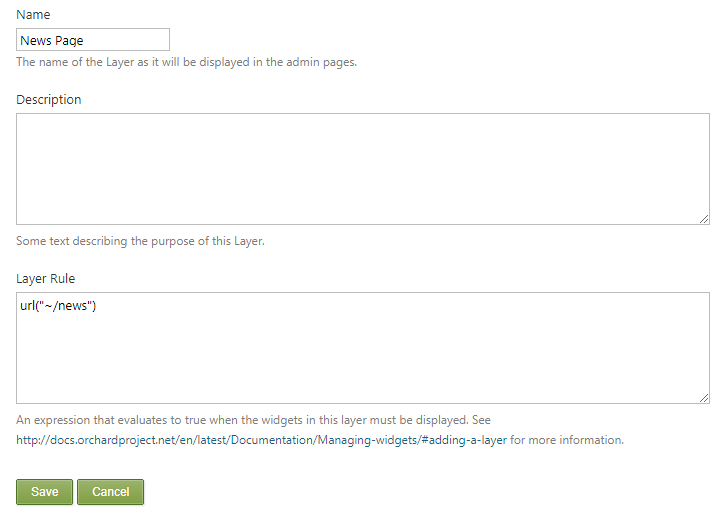
Go to Widgets and add a new layer
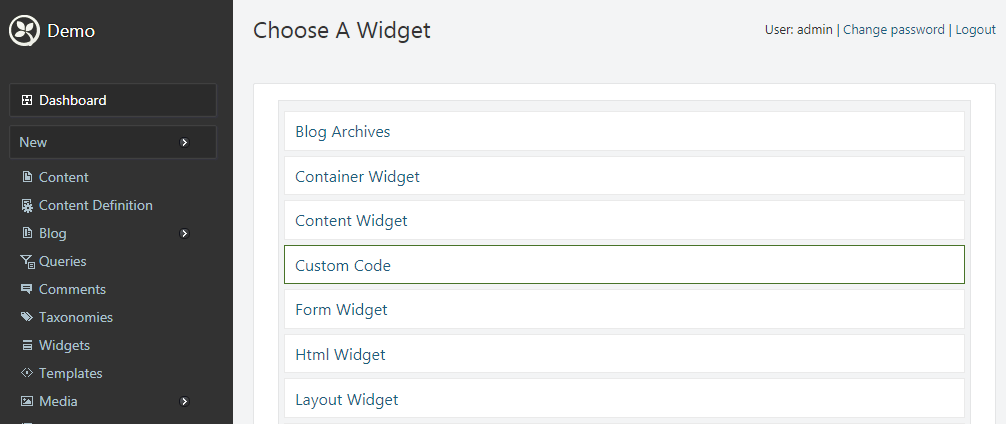
Add a Custom Code Widget
Write the code you want:
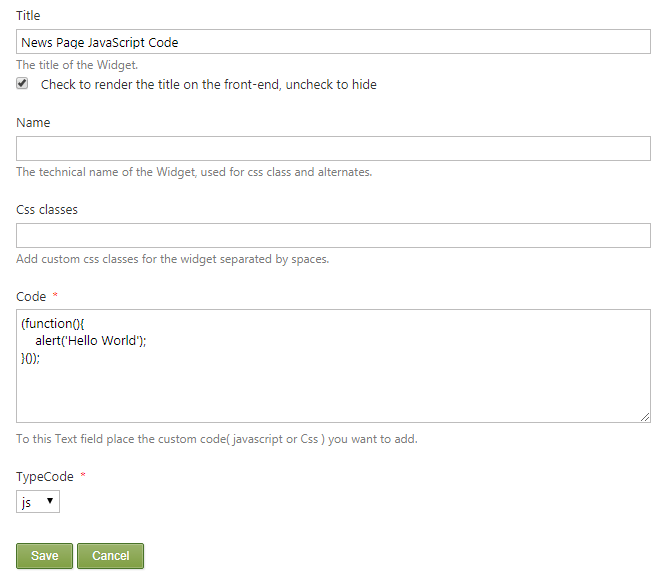
Click Save and you are ready to go!!!